What to Expect When Moving Your Website to a New Host
Moving your website from one host to another—often called a website migration or host transfer—is something many small businesses do when they outgrow cheap hosting, want better speed, or need to consolidate with a provider that also handles SEO or support. But if you’ve never done it, the process can feel opaque. What actually happens? How much downtime should you expect? And what can go wrong? This guide walks you through what to expect when moving your website to a new host, from backup and server setup through DNS, SSL, and testing, so you can plan ahead or know what to look for if you hire it out.
Why people move their website to a new host
Common reasons to move your website include: switching from slow or unreliable shared hosting to a faster server, leaving a provider that raised prices or dropped support, moving to a host that also does SEO or ongoing maintenance, or consolidating so one team handles both your site and its visibility in search. Whatever your reason, a well-planned website migration gets your site onto the new server with minimal disruption and no lost data. The steps are similar whether you have a static site, a WordPress site, or another CMS—the main difference is whether you’re copying files only or files plus a database.
Before the move: backup and document
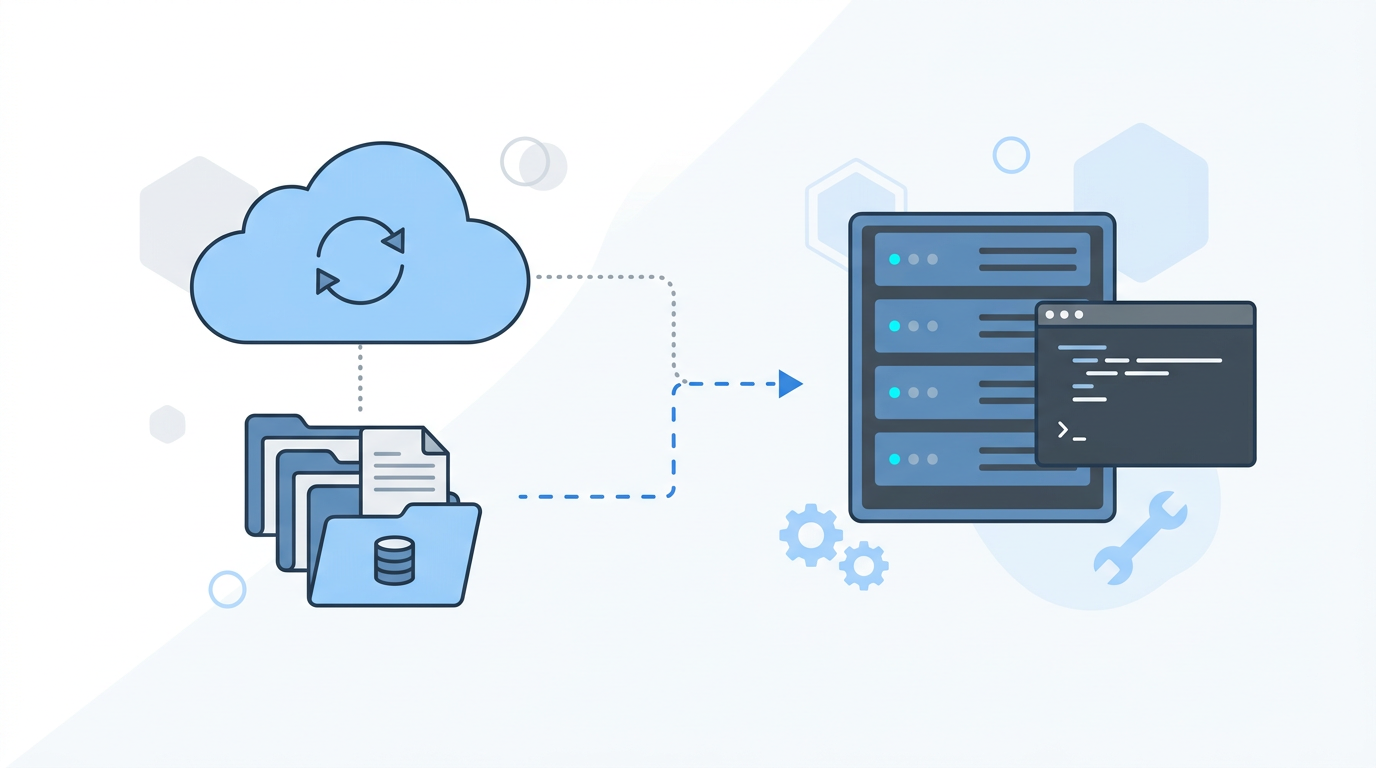
Before any host migration, the first step is a full backup. That means a copy of all your site files (HTML, CSS, images, scripts, etc.) and, if you use a database (e.g. WordPress, many CMSs), a dump of the database. Keep this backup somewhere safe—your computer or cloud storage—so if anything goes wrong during the move, you can restore. It’s also helpful to document where your domain is registered, where DNS is managed (often at the registrar or a separate DNS provider), and what your current host and stack are (e.g. PHP version, MySQL). That information makes the next steps clearer and helps whoever does the migration—you or a pro—avoid guesswork.
What happens during a website migration
A typical website migration follows a sequence like this:
- New server setup — The new host (or you) configures the server: web server (e.g. Nginx or Apache), PHP if needed, database server, and any required modules. The goal is an environment that matches what your site expects so it runs correctly after the move.
- Copy files and database — Your site files are copied to the new server, and the database is imported. Paths and configuration (e.g. WordPress
wp-config.php, database credentials, site URL) are updated so the site points to the new location. Until DNS changes, the old host still serves live traffic; the new server has a “staging” copy. - Test on the new server — Using the new server’s IP or a temporary URL, the migrated site is tested: pages load, links work, forms submit, and any critical functionality (logins, checkout, etc.) works. Fixing issues here avoids surprises after the switch.
- DNS change — When everything looks good, DNS is updated so your domain (e.g.
yourbusiness.com) points to the new server’s IP (or CNAME). This is the moment traffic starts going to the new host. DNS propagation can take from minutes to 48 hours depending on TTL and providers; often it’s within an hour or two. - SSL (HTTPS) — The new server needs an SSL certificate so your site continues to work over HTTPS. Many hosts issue a certificate automatically (e.g. Let’s Encrypt); otherwise it’s installed or transferred. Until this is in place, visitors may see security warnings.
- Post-move check — After DNS has propagated, the live site on the new host is tested again: homepage, key pages, forms, and any redirects from old URLs. Monitoring for a day or two catches anything that was missed.
How much downtime when you move your website?
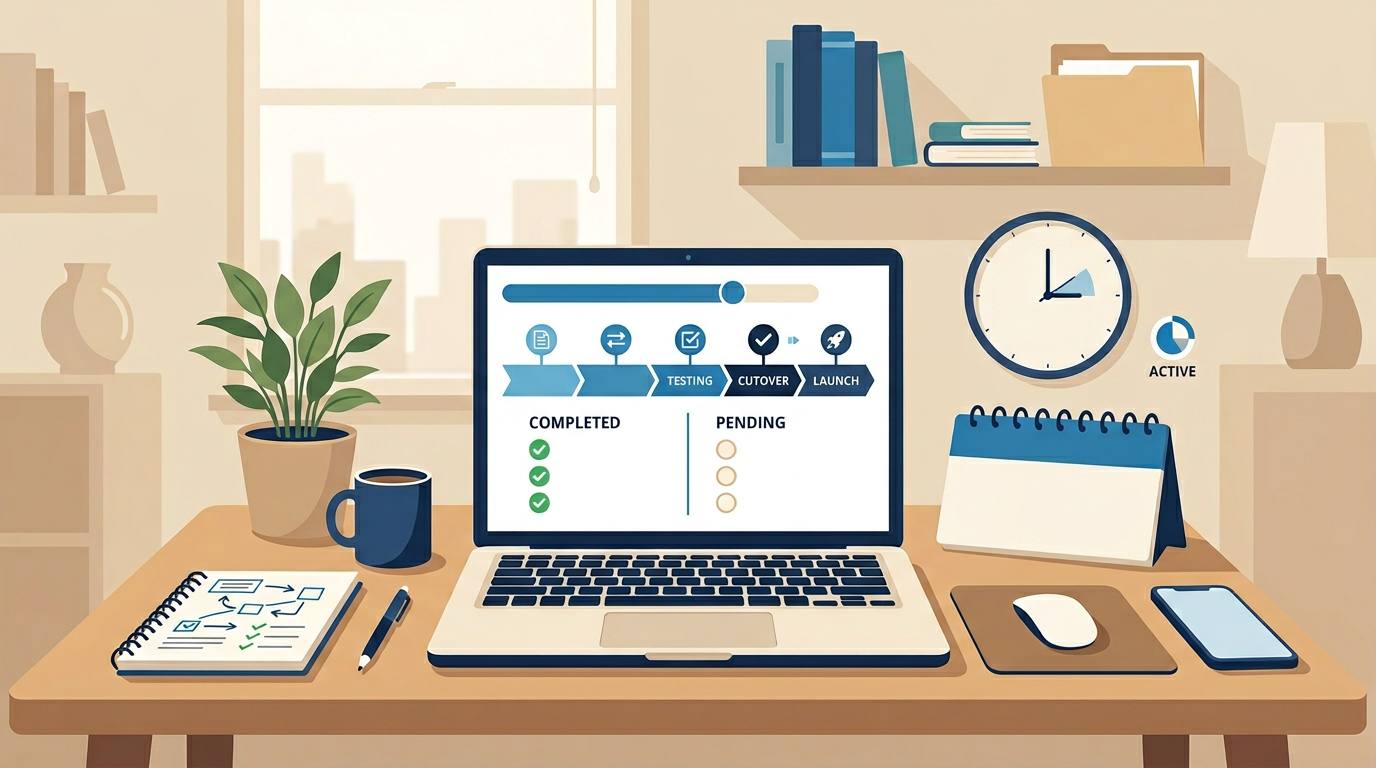
If the migration is done carefully, downtime can be very short—sometimes just the few minutes it takes for DNS to switch over, or even zero if the new host is tested first and DNS TTL was lowered in advance. Messier scenarios (no backup, wrong config, or DNS mistakes) can mean longer outages. To minimize downtime: do the file and database copy and testing before changing DNS; fix any issues on the new server first; then flip DNS in one go. Some providers offer a “migration window” or do the cutover during low-traffic hours. If you’re not comfortable with the technical steps, hiring a website migration service often means a scheduled cutover with a clear timeline and someone else handling the details.
Redirects and old URLs
If your old site had URLs that no longer exist on the new setup (e.g. you restructured pages or changed from index.html to clean URLs), set up redirects (301) from the old URLs to the new ones. That preserves link equity for SEO and prevents visitors with bookmarks or old links from hitting 404s. Your new server or host can configure these; it’s one of the things a good migration includes.
DIY vs hiring a website migration
Moving a simple static site (a few HTML pages and assets) is often doable yourself if you’re comfortable with FTP or file managers and DNS. Moving a WordPress site or any site with a database, custom config, or email is trickier: one wrong setting can break the site or leave it pointing to the old database. Many small business owners prefer to hire a website migration so an expert handles backup, server setup, database move, DNS timing, and SSL. You get a clear quote, a scheduled cutover, and someone to fix issues if they arise. We offer website migration as a flat-fee service—we handle the server, files, database, DNS, and SSL so you don’t have to.
Summary: what to expect
When you move your website to a new host, expect: a full backup first; new server setup and copying of files (and database if applicable); testing on the new server before any DNS change; a DNS update that sends traffic to the new host; SSL in place for HTTPS; and a final check of the live site. Downtime can be minimal if the work is done in that order. Whether you do it yourself or hire it out, knowing these steps helps you plan and avoid the most common migration mistakes.
We handle website migration from start to finish—backup, new server, files, database, DNS, and SSL—so you can switch hosts without the hassle. Learn about our migration service or get in touch for a quote.